guide
Theft History
Updated Sep 23, 2025
Summary
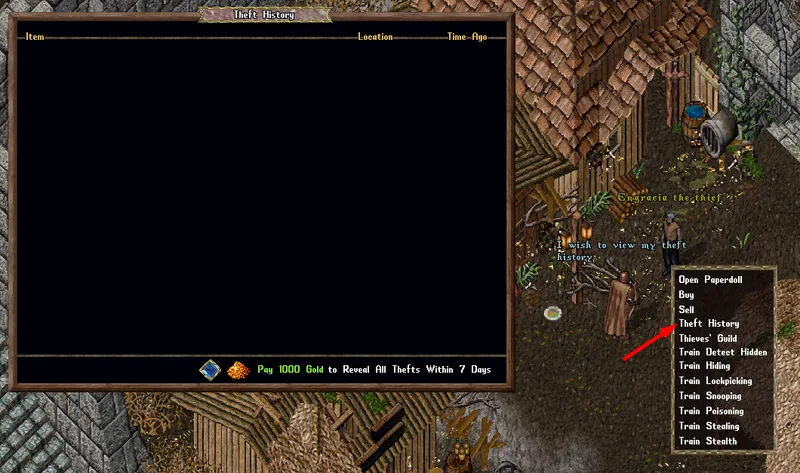
- Players can visit Thief NPCs and request a "Theft History" to see a list of items that have been stolen from the player in the last 7 days
- To view their Theft History, players can shift-click the Thief NPC and select "Theft History" or say "Theft" or "History" near them
Getting Information

- To reveal which items have been stolen from the player, players must click the "Pay 1000 Gold" button which will withdraw 1000 Gold from their Bank
- Doing so will reveal the last 100 items stolen from the player within the last 7 days, sorted by how recently the theft occurred
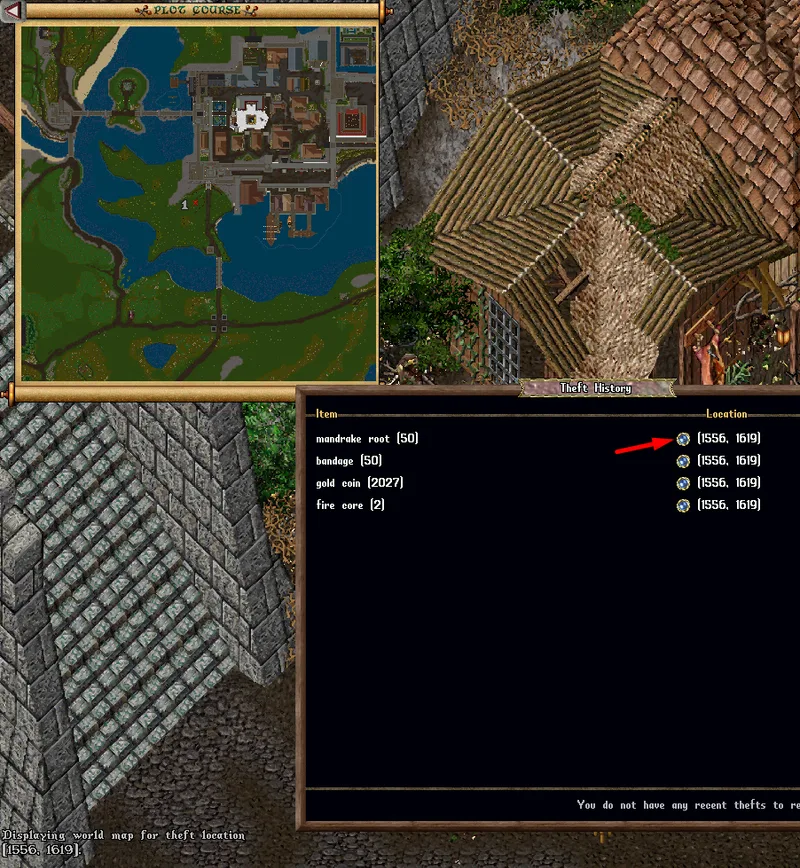
- Players can click the Small Orb button next to an entry to view a map of the location where the theft happened
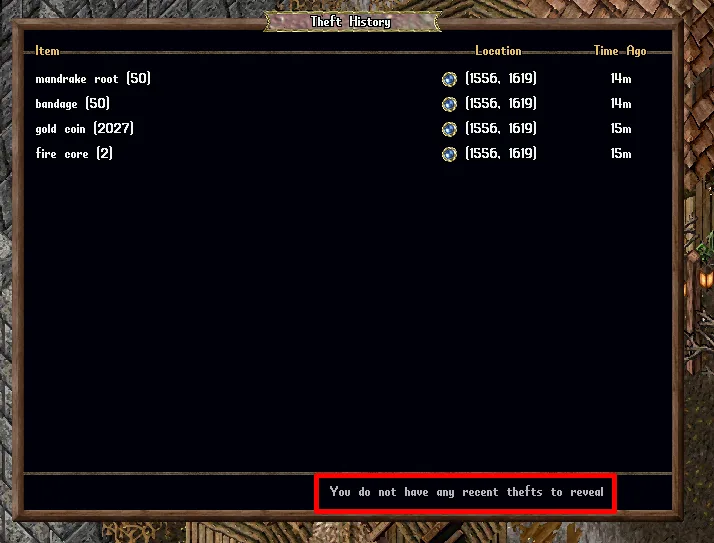
- If a player has not been stolen from in the last 7 days, or since the last time they paid to reveal thefts, they will see "You do not have any recent thefts to reveal" and the payment option will not be available